
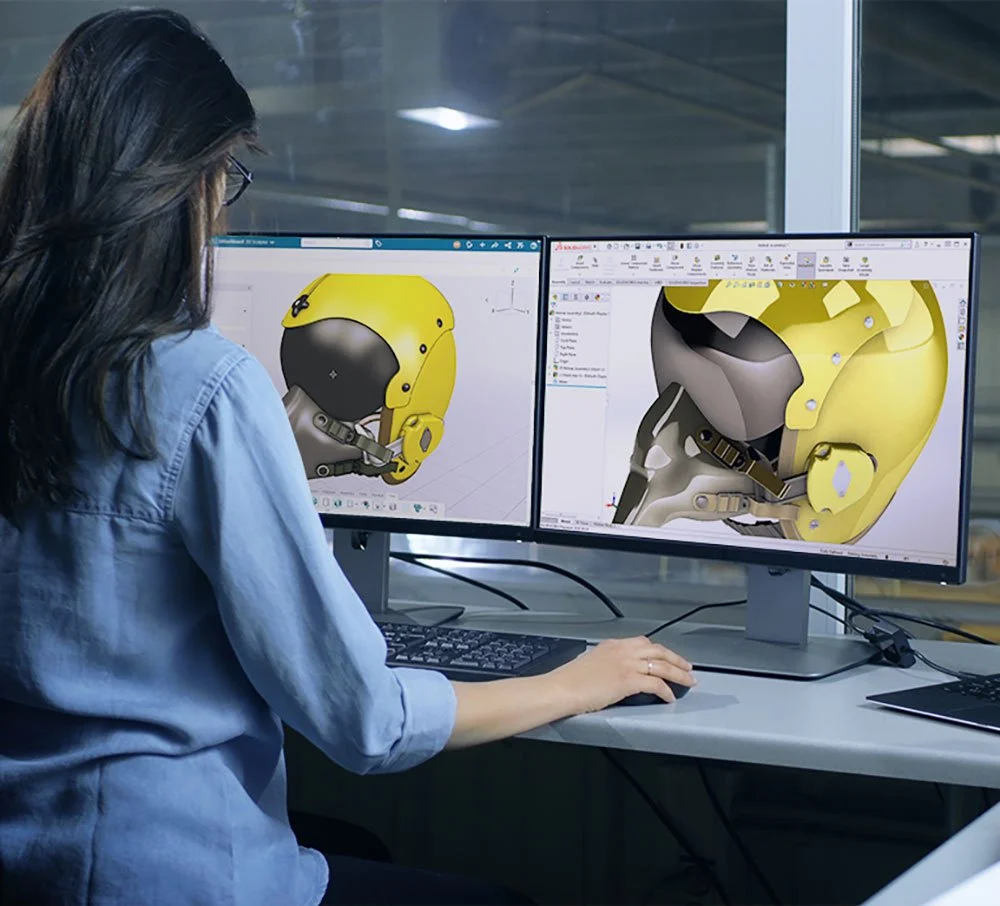
Requesting a trial is often the first real step into professional 3D CAD. But a trial is also temporary. If you only click around menus and open sample files, you’ll miss the chance to see how SOLIDWORKS really fits your day-to-day work. This guide will help you decide what to test before your trial period and Solidwork download expires, so you can make a confident decision about the next step.
Start with the Core: Parts, Assemblies, and Drawings
Most SOLIDWORKS trials give full access to the core 3D CAD environment:
- Part modelling – Sketches, features, fillets, patterns, and configurations.
- Assemblies – Mates, interference checks, exploded views.
- 2D drawings – Dimensions, tolerances, title blocks, and BOMs.
Use at least one real component or product from your current work. Recreate it from scratch, then generate proper drawings. This will show you quickly whether the software feels natural and fast enough for production use.
Test How It Handles Design Changes
A big strength of SOLIDWORKS is parametric, feature-based design:
- Change a key dimension and watch related features update.
- Create multiple configurations for different sizes or variants.
- Try “what-if” scenarios to see how easily you can adapt a design.
During your trial, push this hard. Real projects change all the time—if SOLIDWORKS makes changes easier, that’s a strong argument in its favour.
Explore Assemblies, Interference, and Motion
Before your Solidwork download expires, spend time with assemblies:
- Build a small but realistic assembly—frame + panels + fasteners, or a simple mechanism.
- Run interference detection to catch clashes.
- Use basic motion tools to understand how parts move together.
This gives you a practical sense of how SOLIDWORKS supports multi-part products, not just isolated components.
Try Out Simulation (If Included in Your Trial)
Many trials of SOLIDWORKS Indonesia include at least basic Simulation tools:
- Static stress and displacement checks.
- Simple factor-of-safety evaluations.
- Basic thermal or frequency studies, depending on the package.
You don’t have to become a full analyst in 30 days, but you should see how easy it is to set up loads, fixtures, and materials, then interpret the results.
Look at File Management and Collaboration
Even in a trial, you can get a feel for how designs will be stored and shared:
- Test saving files into organised folders or a basic PDM trial vault (if available).
- Open the same project on a second machine (where allowed) to see how collaboration might work.
- Check how SOLIDWORKS handles external references and large design trees.
If you work in a team, this part is just as important as modelling itself.
Use Templates, Libraries, and Automation Tools
Don’t ignore the “small” productivity features:
- Try templates for parts, assemblies, and drawings with your own units and title blocks.
- Build a simple Design Library of common components.
- Experiment with Smart Components, patterns, and mirror tools.
These time-savers are what transform SOLIDWORKS from “just another CAD package” into a long-term productivity platform.
Involve Your Local Reseller During the Trial
An authorised SOLIDWORKS distributor Indonesia isn’t only there to send you a serial number. During the trial they can:
- Suggest which features you should prioritise based on your industry.
- Help you troubleshoot performance, graphics, or installation issues.
- Explain the differences between the trial bundle and the permanent license options.
If you’re unsure how to test a specific feature, asking your reseller can save hours of trial-and-error.
What to Do Before the Trial Ends
As your Solidwork download trial period nears its end:
- Review your notes – What did you like? What slowed you down?
- Compare against your old tools – Did SOLIDWORKS reduce errors, clicks, or rework?
- Talk to your team – Designers, manufacturing, and managers should all weigh in.
- Discuss options with your SOLIDWORKS Indonesia partner – Term vs perpetual, Standard vs Professional vs Premium, plus training plans.
By deliberately testing the right features—core modelling, assemblies, drawings, simulation, and data handling—you turn a short trial into a solid, evidence-based decision about whether SOLIDWORKS is the right long-term CAD solution for your business.

Comments are closed.